Developers
Intermediate build files, compiler and test caches — thousands of small files without waiting for the drive.
Create a disk right in memory: files on it are read and written at RAM speed. Great for builds, browser cache and temp files — and your SSD wears less.
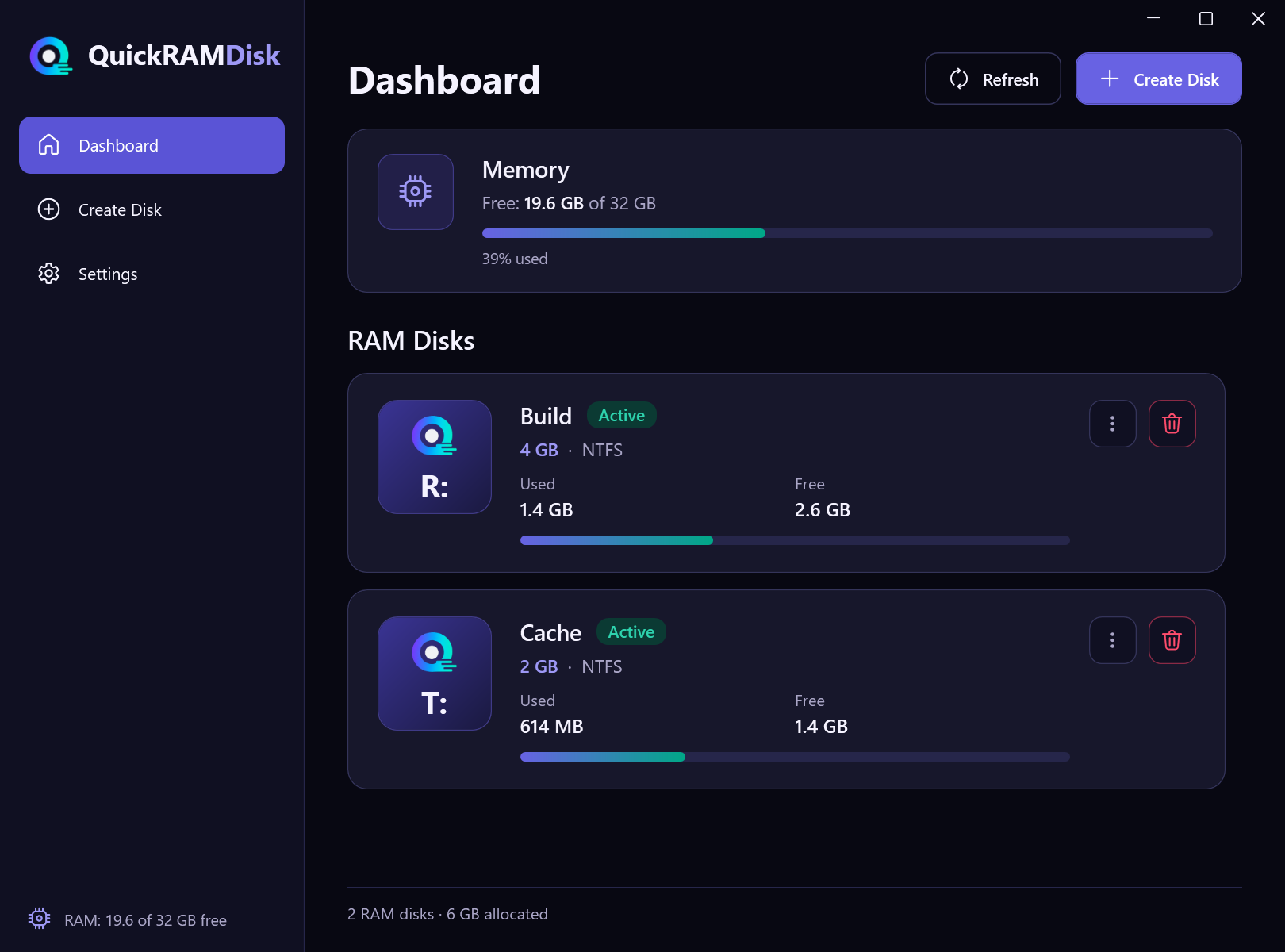
A RAM disk is ideal for data you need right now and don't need after a restart.
Intermediate build files, compiler and test caches — thousands of small files without waiting for the drive.
Browser cache and app temp files live in memory, and no junk is left behind after a restart.
Temp files and preview caches of your editors on the fastest drive in your PC.
Frequent writes go to RAM, so your drive's write endurance lasts longer.
Disk contents are gone after a restart or removal, and before removal the disk can be overwritten with zeros.
Throwaway databases, unpacked archives and test artifacts — remove the disk and everything is clean.
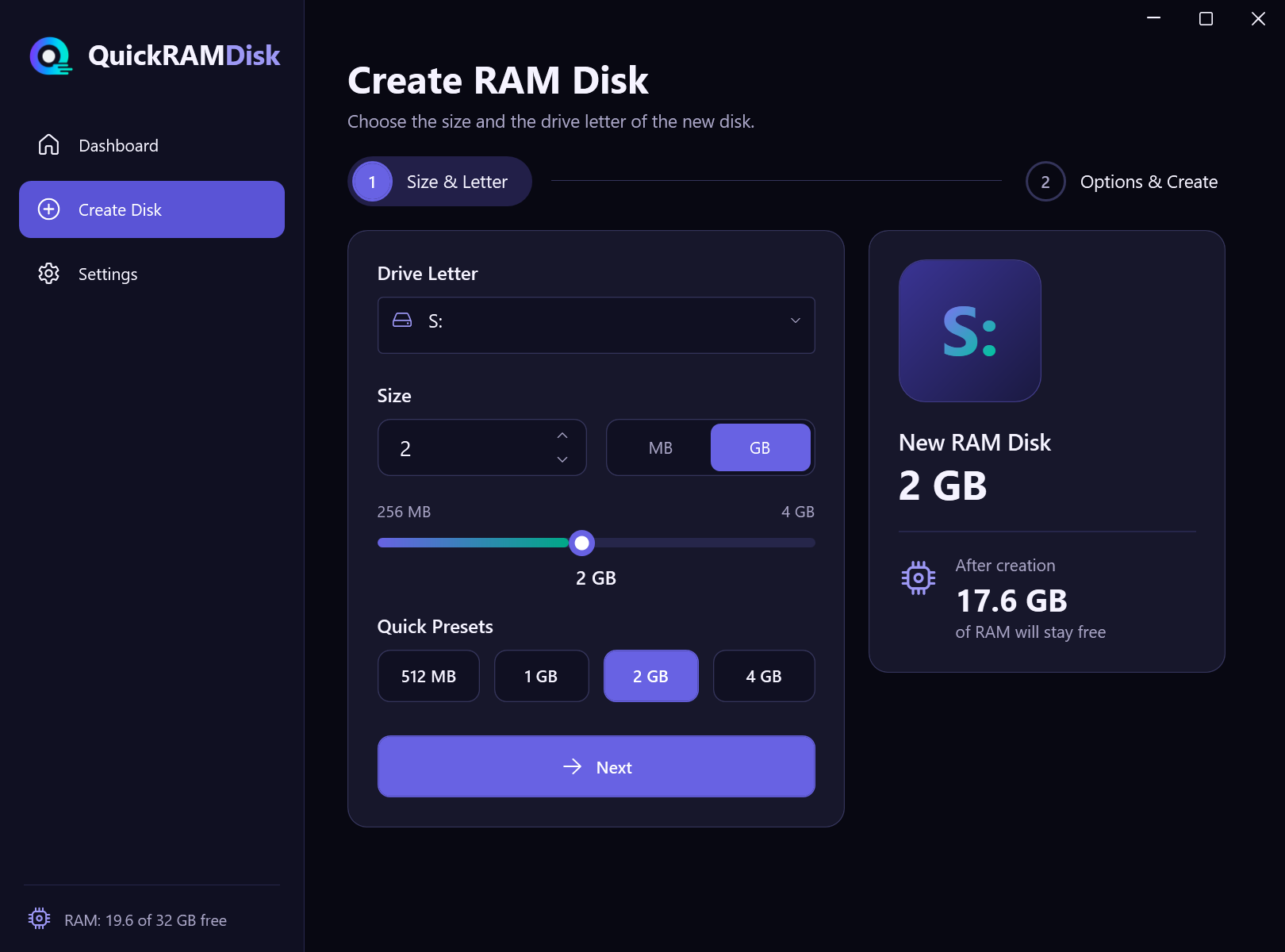
QuickRAMDisk takes care of the driver, memory checks and cleanup. All you choose is the disk size.
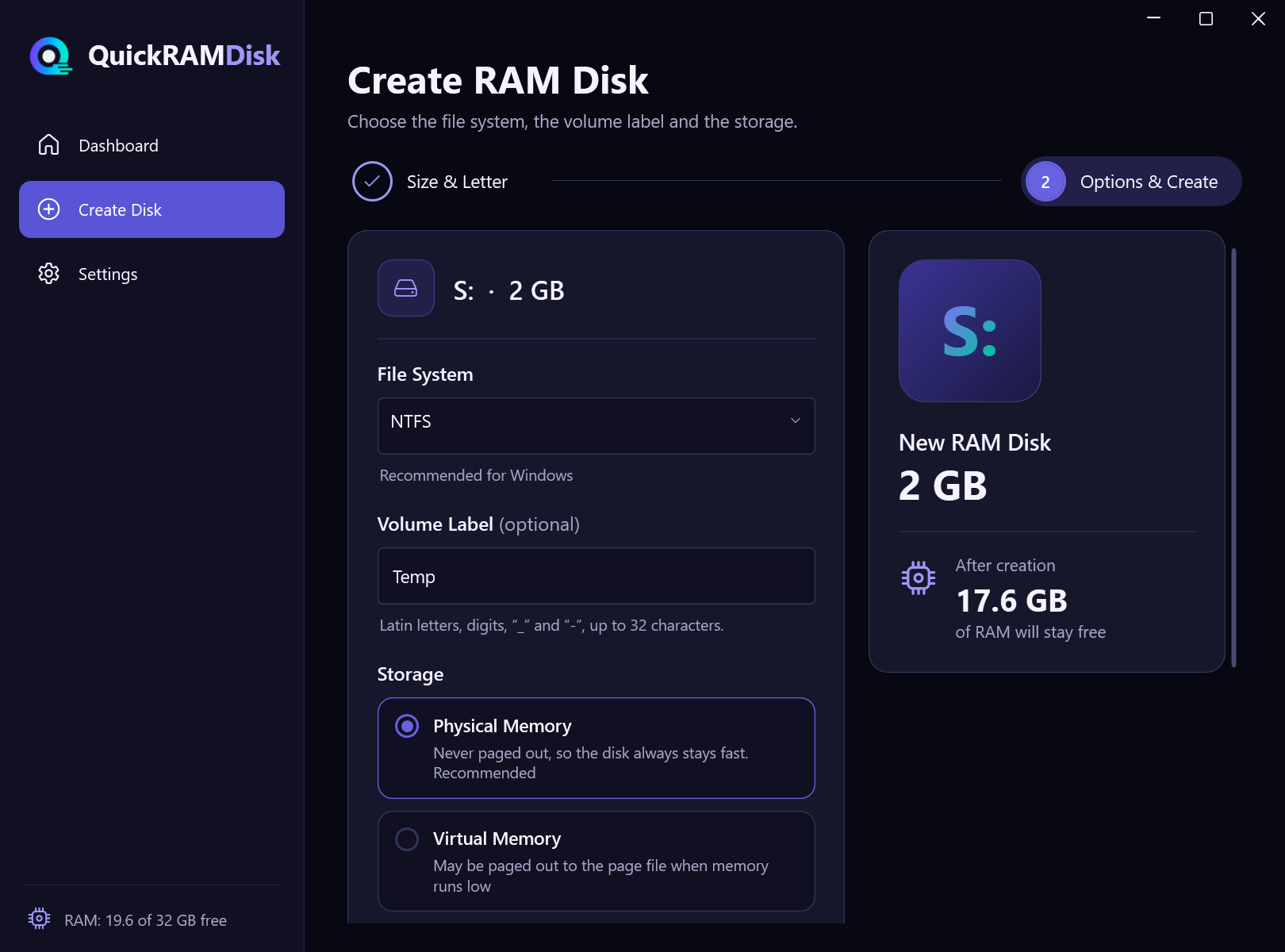
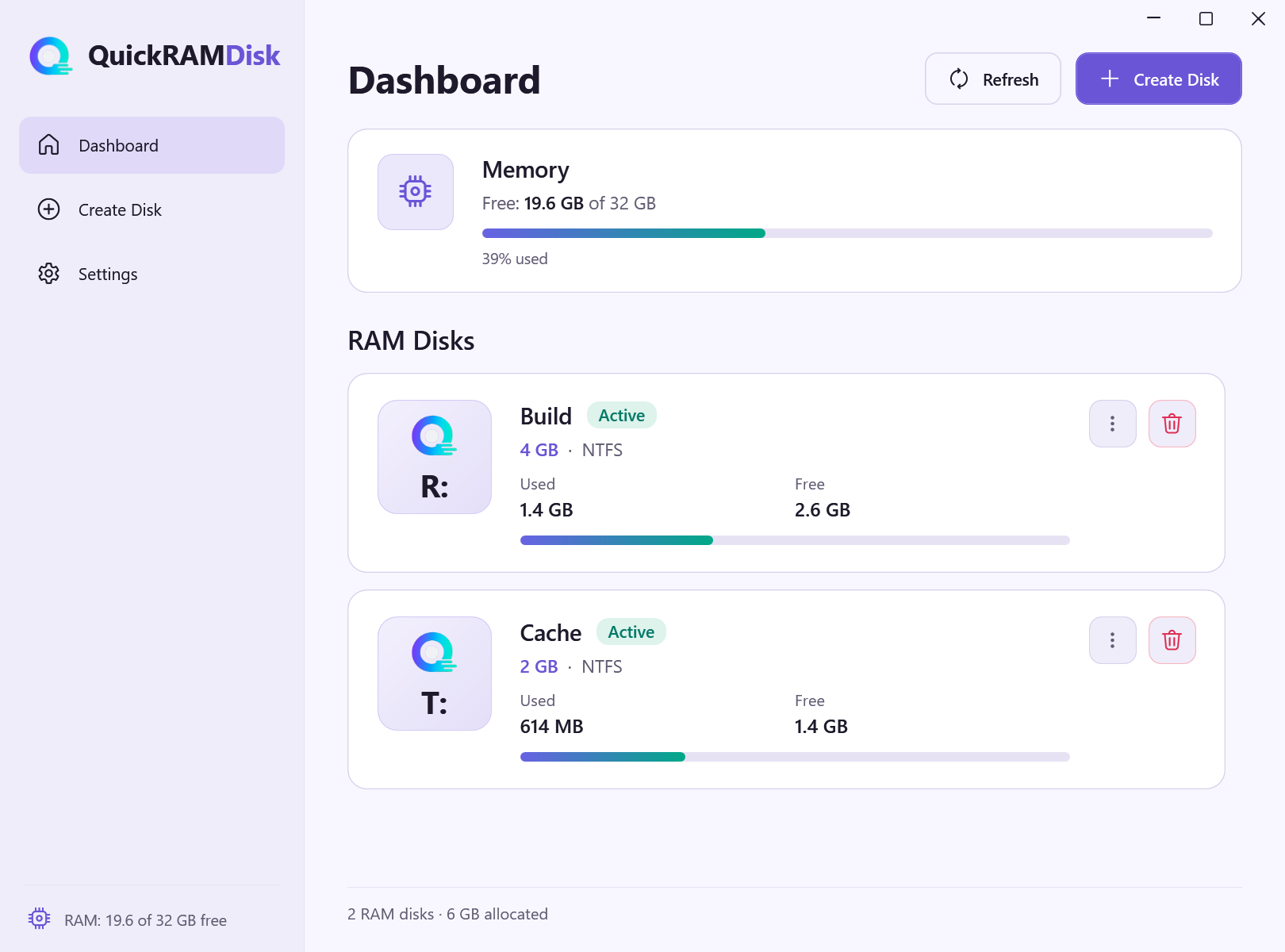
Letter, size, file system and label. You see right away how much memory stays free.
By default the disk lives in physical memory and is never paged out. Virtual memory is an option if RAM may run short.
The app removes its own disks on exit and after a crash, or at the next start as a last resort. Other disks are left alone.
Optionally, disk contents are overwritten with zeros before removal — via the Secure Removal setting or the disk menu.
The quickram tool (included in the installer or downloaded separately): create, remove, list and status for scripts and Task Scheduler.
quickram create -l R -s 2048
Minimizes to the tray, can start minimized and warns you when memory runs low.
The app won't create a disk if the system would be left with too little free memory.
Dark and light themes, English and Russian interface — switch without restarting.
CrystalDiskMark results: a QuickRAMDisk RAM disk and two NVMe SSDs on the same computer.
CrystalDiskMark 9.0.1, 2 GB test, 4 GB QuickRAMDisk RAM disk (NTFS). Computer: AMD Ryzen AI 9 365, 2 × 48 GB DDR5-5600. SSDs: 2 TB, PCIe 4.0 x4. Tests shown: SEQ1M Q8T8, SEQ1M Q1T1 and RND4K Q1T1; results will differ on other computers.
Free costs nothing and never expires. Pro and Enterprise are coming soon.
For personal use
For personal use, up to 3 computers
For companies and commercial use
The free version is available now. We'll announce Pro and Enterprise on this site and in new versions of the app.
A RAM disk keeps its data in memory, so everything on it is lost when the computer restarts or the disk is removed. Keep only what you can afford to lose there: caches, temp files, build output.
The RAM disk is created by a system driver. Windows only allows installing drivers and creating disks with administrator rights, so the app asks for permission when it starts.
The installer is about 4.6 MB, adds the app to the Start menu and can be uninstalled from Windows Settings. It needs .NET 8 Desktop Runtime and offers to download and install it for you if it's missing. The Portable version (about 72 MB) needs neither installation nor .NET: just run the file. Either way, the RAM disk driver is installed into Windows on first start.
The files are signed with our own certificate rather than one from a well-known certificate authority, so SmartScreen may show a warning. Click "More info" → "Run anyway". Download QuickRAMDisk only from this site or from the GitHub releases page.
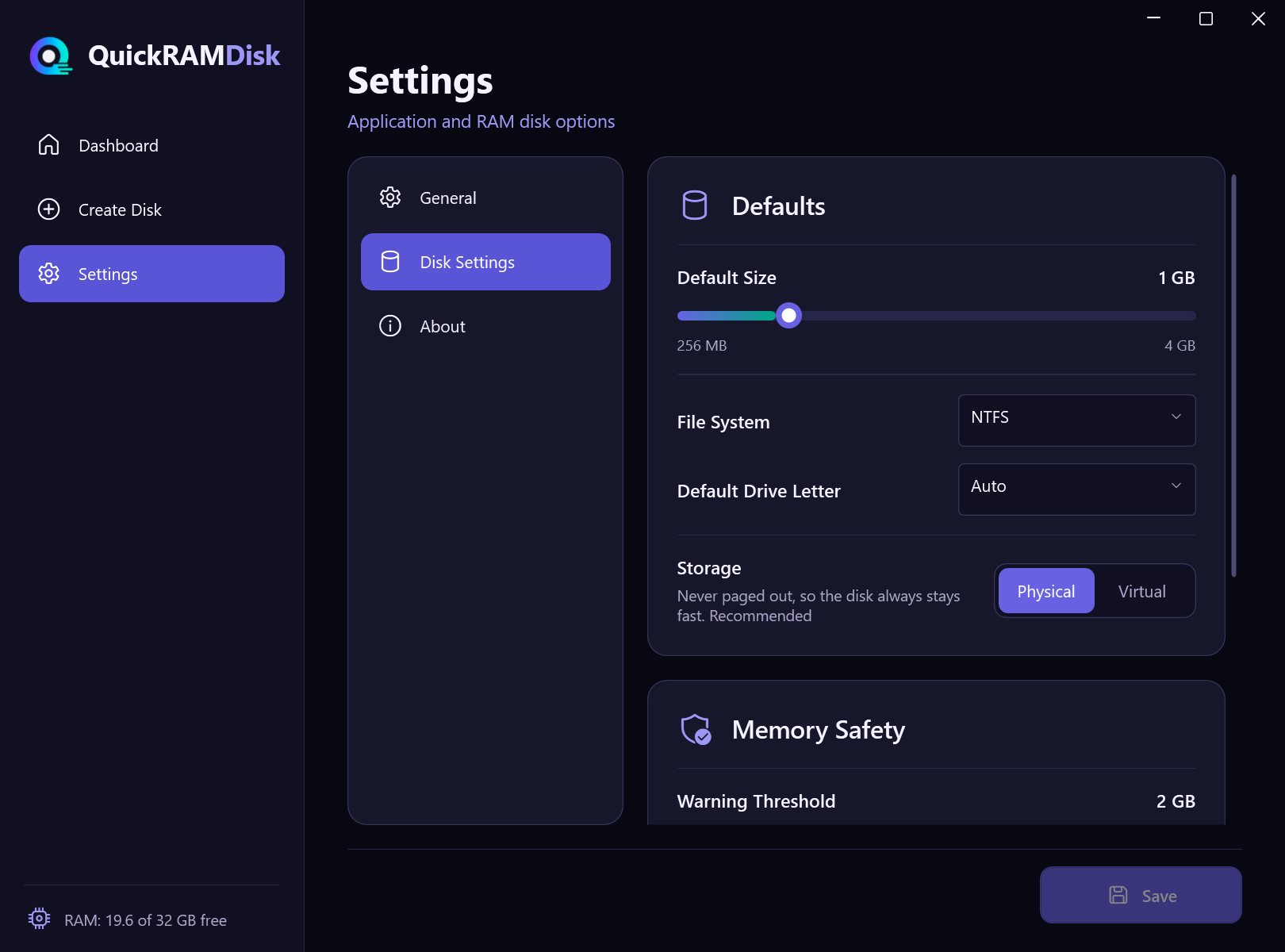
In the free version, up to 4 GB per disk and up to 2 disks at a time. The app won't create a disk if the system would be left with less free memory than the set threshold (1 GB by default).
QuickRAMDisk runs on the proven ImDisk driver and adds a modern interface, a wizard with memory checks, automatic removal of its own disks after crashes, zero-fill removal, notifications and a simple command line. The driver is installed automatically.
In version 1.0 disks are created manually — in the app or with the quickram command. Profiles and disks at startup are coming in future versions.
The free version is for personal, non-commercial use. An Enterprise edition for companies is on the way — write to us at dev@quickramdisk.pro.

No sign-up and no time limits.
Installer · Portable · Command line (CLI) · All versions
Version 1.0.0 · Windows 10 (1809+) or 11, x64 · administrator rights required
Эта страница есть на русском языке.
Перейти